Big Bad Toy Store Introduces New Wait List Feature
Big Bad Toy Store has quietly rolled out a new Wait List feature that could be a real game-changer for collectors who’ve experienced the frustration of watching a preorder sell out before they could pull the trigger. The concept is straightforward but genuinely useful: if an item you want is sold out, you can now join a wait list for it, and if inventory becomes available again, whether through cancellations, restocks, or additional allocation, the item will automatically be added to your pile of loot without any upfront payment required to get in line. What makes this particularly collector-friendly is how the system handles cancellations on your end. Since no inventory is actually allocated to you and no payment is processed when you join a wait list, you can cancel individual waitlisted items at any time without it affecting your cancellation rate, which is something a lot of collectors are rightfully careful about protecting. You can view and manage all of your waitlisted items from a dedicated Waitlist page within your My Account section, keeping everything organized in one place so you can track what you’re hoping to land without losing sight of it among your active preorders. For those of us in the Masters of the Universe, G.I. Joe, Transformers, or Star Wars collecting spaces where hot items can vanish in minutes, this kind of passive safety net is exactly the sort of quality-of-life improvement that makes a retailer worth sticking with. It doesn’t guarantee you’ll get the figure, but it keeps you in the running without any risk, and that’s a smart move from Big Bad Toy Store that I think a lot of collectors are going to appreciate once they start putting it to use. Click here and visit Big Bad Toy Store so see what you are missing and fill out your collection!
How To Join The Wait List
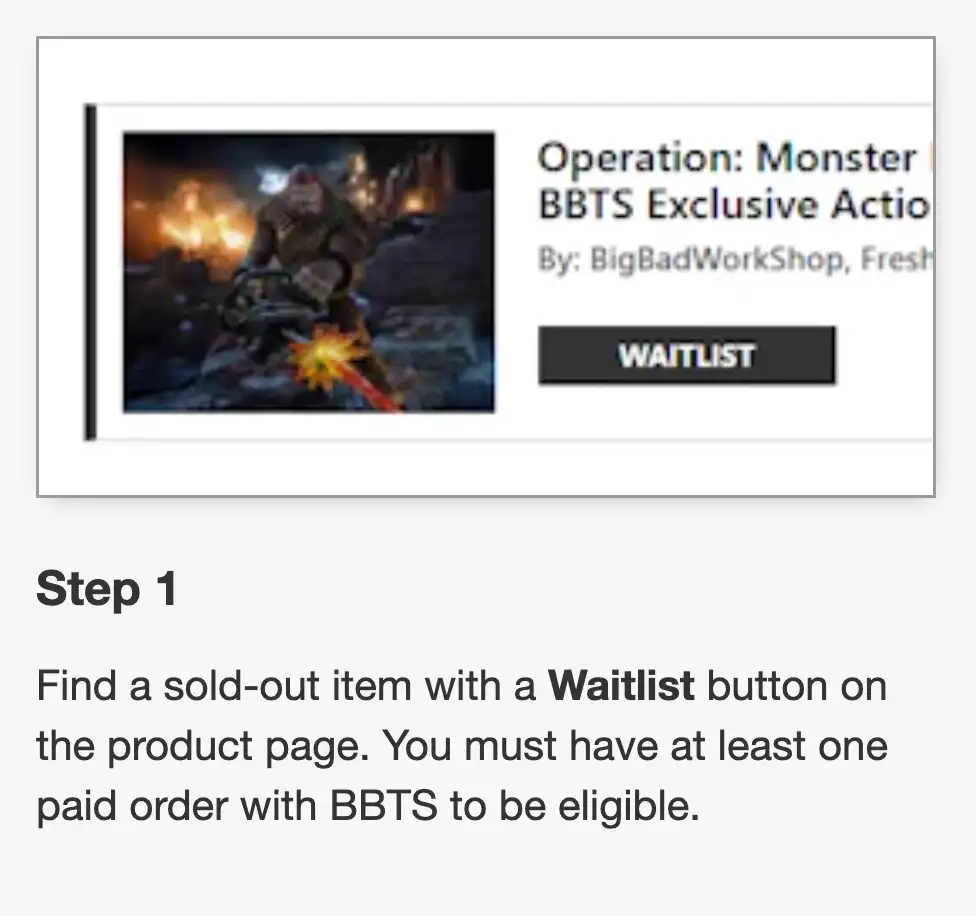
Step 1: Find a Sold-Out Item with the Waitlist Button
When browsing BigBadToyStore, look for products that are marked as sold out but display a Join Waitlist button on the product page. Not every sold-out item will have a waitlist available, and you’ll need to have completed at least one previously paid order with BBTS before you’re eligible to participate.
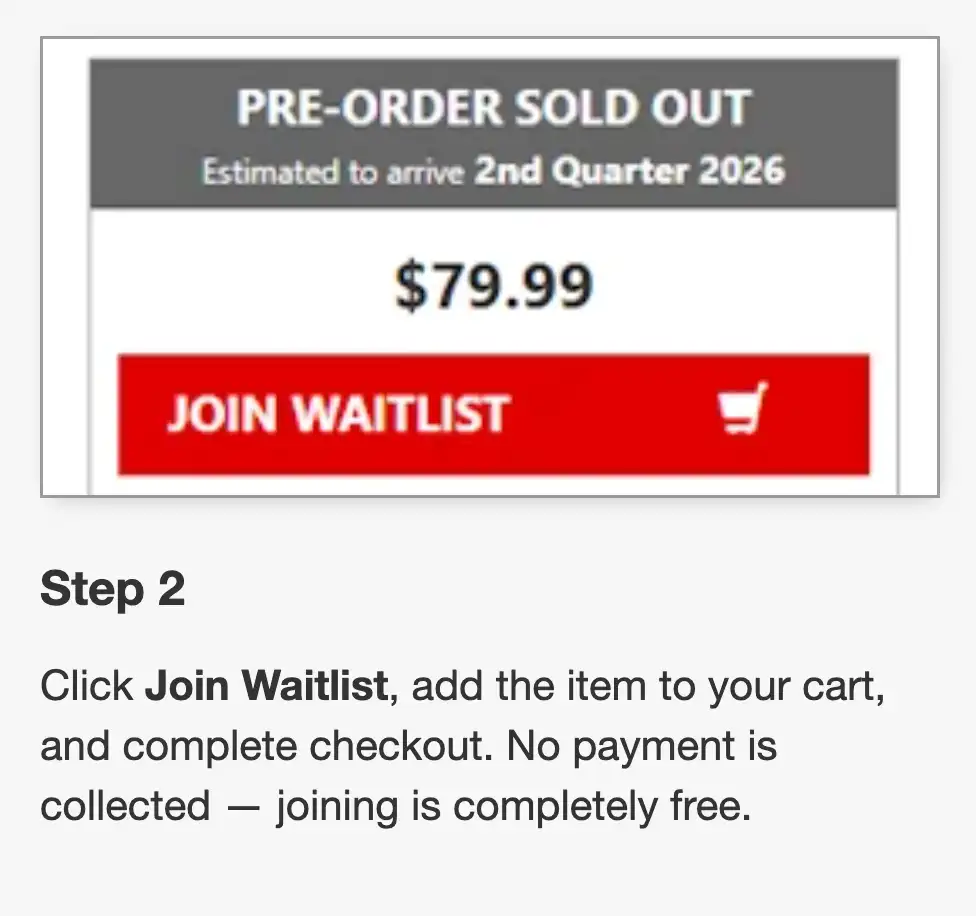
Step 2: Join the Waitlist
Click the Join Waitlist button, add the item to your cart, and complete the checkout process. Although it uses the normal checkout flow, no payment is collected when joining the waitlist, making it completely free to reserve your place in line.
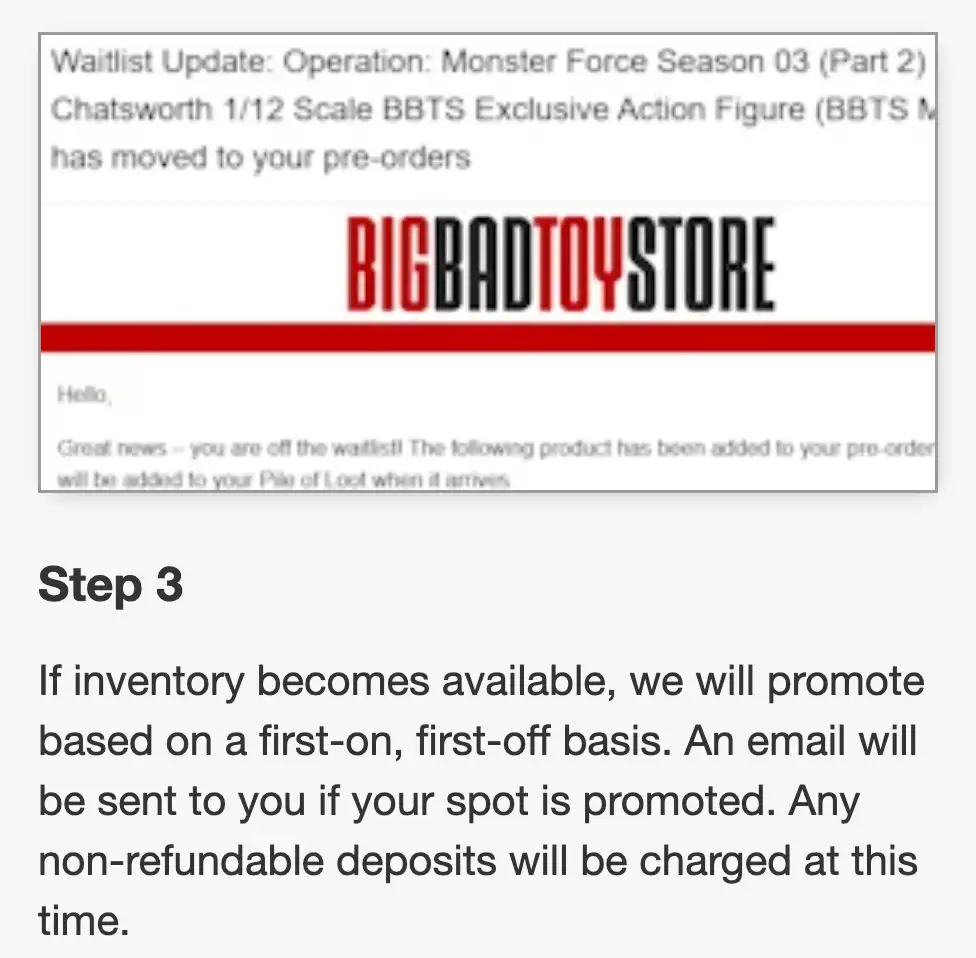
Step 3: Wait for Inventory to Become Available
If BigBadToyStore receives additional inventory or an order becomes available through cancellations, customers are promoted in the order they joined the waitlist. If your spot comes up, BBTS will notify you via email. For preorder items that require a non-refundable deposit (NRD), that deposit will only be charged once you’re promoted from the waitlist to an active preorder.
Step 4: Your Order Moves Into the Normal Fulfillment Process
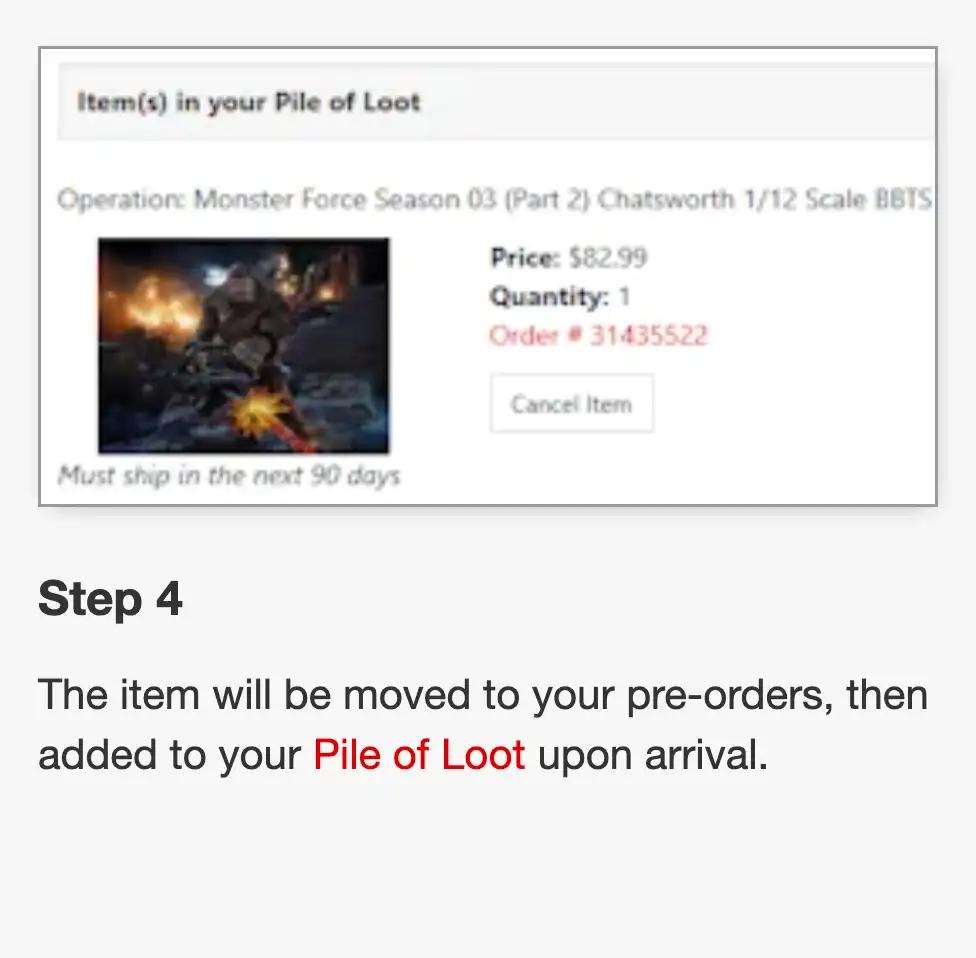
Once promoted, preorder waitlist items are automatically moved into your Pre-Orders. When the product arrives at BBTS, it will then be added to your Pile of Loot, where you’ll complete the normal payment and shipping process. For items that were simply sold out (rather than preorder sold out), the product is added directly to your Pile of Loot and charged accordingly.
Additional Details
Collectors can manage all of their waitlisted products from the Waitlist section within their BBTS account, where individual entries can be removed at any time without affecting their cancellation rate. BBTS also notes that joining a waitlist is not a guarantee of receiving the item—it simply reserves your place in line should additional inventory become available. Customers may only waitlist one quantity of each item but can join as many different waitlists as they’d like.